
Creating attractive Instagram Reels involves much more than simply recording a video clip and posting it.
Top apps to create and edit engaging Instagram Reels easily.
Editing plays a very important role in making your content stand out in a crowded feed. Whether you are just starting out on Instagram or looking to expand your social media presence, using the right editing tools can significantly enhance your videos.
When you use the right editing apps, creating eye-catching Instagram Reels becomes very easy. Popular editing tools like CapCut, InShot, and VN Video Editor are excellent choices for both beginners and experienced users.
These tools help you trim clips, add music, insert text, and apply smooth transitions with just a few taps.
CapCut is perfect for trendy templates, InShot is quick and easy, while VN gives you greater control for detailed editing. By utilizing these tools, you can make your videos appear more professional and engaging.
Good editing keeps viewers connected and increases your chances of gaining more likes, shares, and followers on Instagram.
Why Editing Is Important?
With the help of editing, ordinary videos can be transformed into engaging content. It enhances video quality, removes unnecessary parts, and makes everything appear more attractive.
Good editing also helps you tell your story clearly and keeps the audience engaged. When your video looks professional and interesting, people are more likely to watch it through to the end and interact with your content.
Professional appearance-
Editing helps your videos look clean and well-made. By removing mistakes, adjusting lighting, and adding smooth transitions, your content appears more attractive.
Even simple videos can feel high-quality with basic edits. A professional look builds trust and makes your reels more attractive, encouraging people to watch, like, and follow your content.
Better storytelling-
Good editing helps you tell your story clearly. You can arrange clips in the correct sequence, add text, and highlight key moments. This keeps your message simple and easy to understand.
Higher retention-
People scroll quickly, so you need to grab their attention fast. Editing keeps your video engaging through rapid cuts and visuals, ensuring that viewers watch it all the way to the end.
Popular Editing Apps:-
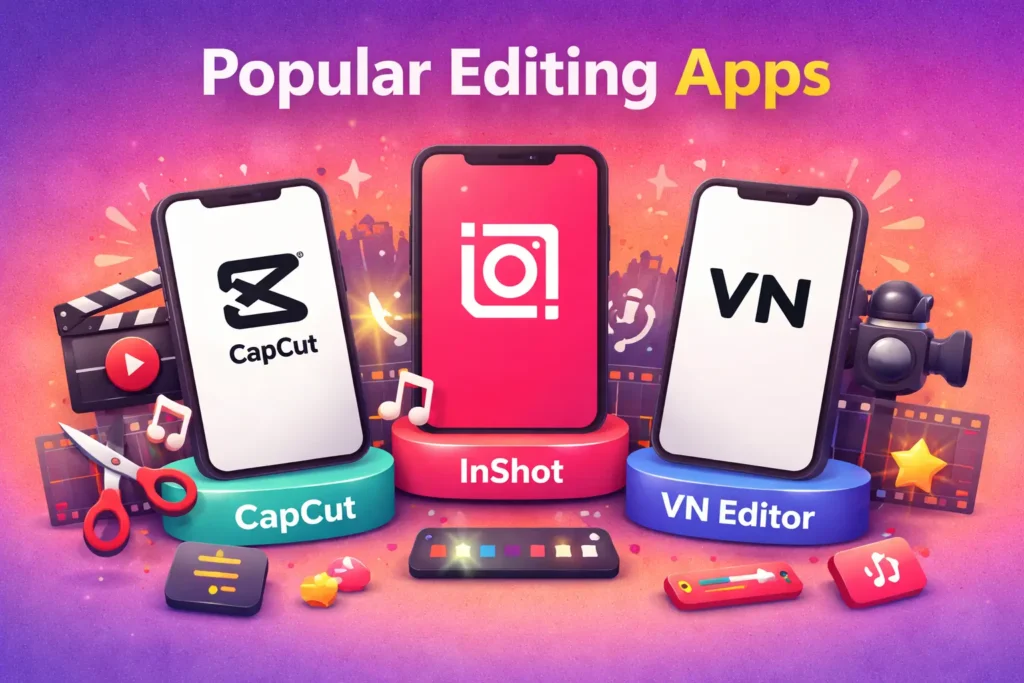
There are many apps available for editing Instagram Reels, but some are more popular because they are easy to use and offer great features. Apps like CapCut, InShot, and VN Video Editor are widely used by creators today.
CapCut-
CapCut is a popular and user-friendly app for editing Instagram Reels. With its help, you can easily trim clips and add music, text, filters, and smooth transitions.
It also offers pre-made templates, allowing you to quickly create trendy videos without much effort.
CapCut includes useful features such as auto-captions and effects, which make your content even more engaging.
CapCut is free to use and is perfect for both beginners and experienced users who want to easily create professional-looking videos.
InShot-
InShot is perfect for beginners who want to perform simple edits. With its help, you can trim Instagram clips without any confusion and add music, text, and filters to them.
This app is easy to use and excellent for quick editing, making it perfect for daily Instagram content.
VN Editor-
VN Video Editor is an easy and free app for editing Instagram Reels. You can easily trim clips and add music, text, and effects. It gives you greater control over your videos, allowing you to create creative and professional-looking content directly from your phone.
Features to Look For:-
When editing Instagram Reels, choosing the right features can make a huge difference in how your video looks and the message it conveys.
Transitions help you move easily from one scene to another within your clips.
Simple effects such as fades, slides, or zooms give your videos a professional look and keep viewers engaged.
Text animations are important because many people watch videos without sound. Adding animated captions or short text highlights key points and keeps viewers engaged with the video.
A good music library allows you to add trending songs or sounds that match the mood of your video, as many people watch videos specifically for the music. Music makes your content more engaging and can help it reach a wider audience.
Mobile Editing Tips:-
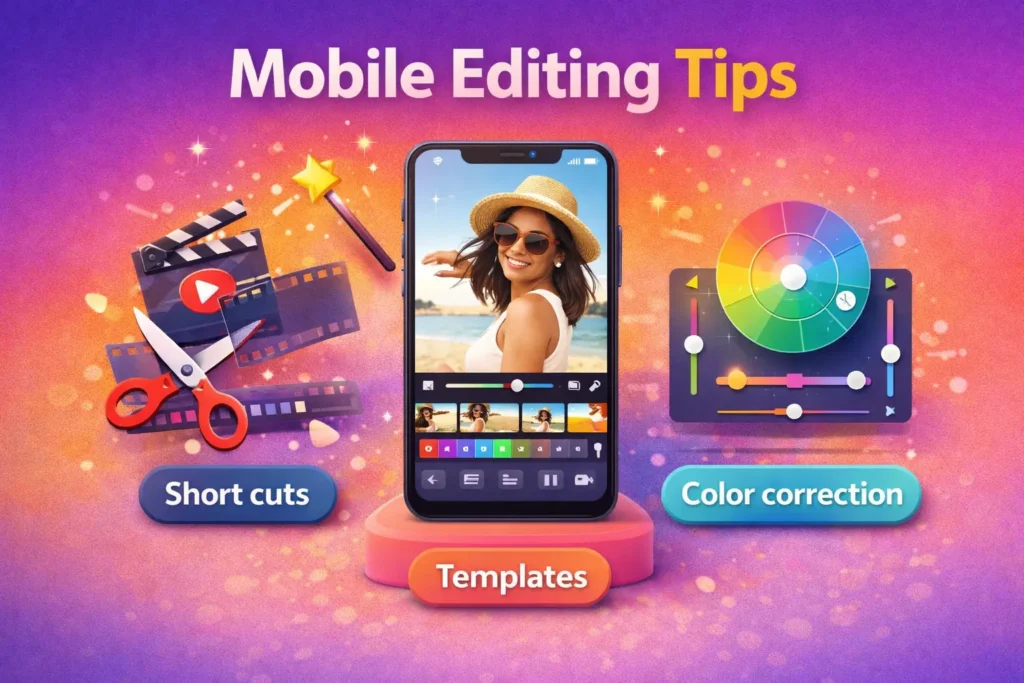
Editing Instagram Reels directly on your phone is easy if you know a few tricks.
Use Short Cuts-
Keep your clips short and remove any unwanted parts.
Quick, good edits keep your viewers engaged and make your videos more attractive.
Try Templates-
Many apps, like CapCut, offer ready-made templates. These save time and make your videos look professional.
You just add your clips and customize text, music, or effects to match your style.
Color correction-
It helps make your videos look bright and unique.
By adjusting brightness and contrast, you can correct footage that is either too bright or too dark.
Even small adjustments can make a huge difference, giving your Instagram Reels an attractive and professional look that captures the viewers’ attention.
Exporting Reels Correctly:-
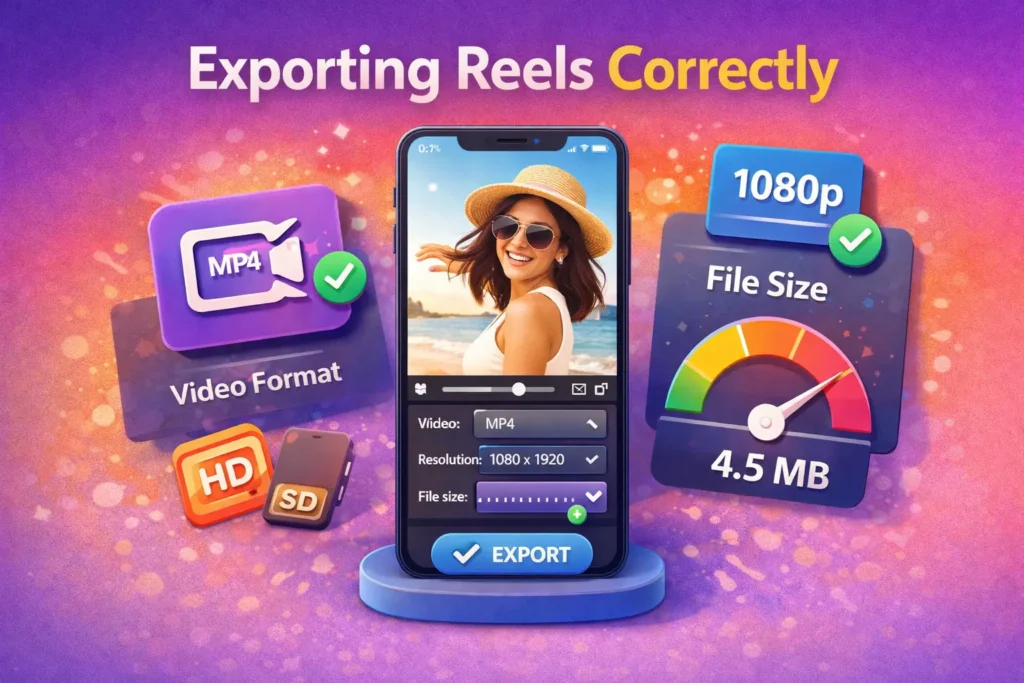
Once you have finished editing your Instagram Reels, exporting them correctly is just as important as the editing process itself.
If you export them incorrectly, your video may appear blurry or take an excessive amount of time to upload.
Video format-
Always export your Reels in MP4 format. MP4 is the most widely supported format for Instagram, as it ensures that your videos play without any issues. Most editing apps, such as CapCut or InShot, use MP4 as the default format.
Resolution settings-
For the best quality, use a resolution of 1080 x 1920 pixels; this is the standard vertical format for Instagram Reels, as it ensures that your video appears clear on mobile devices.
File size control-
Uploading large video files can take a long time, and Instagram may also compress them, which can result in a reduction in content quality.
Therefore, adjust your export settings in such a way that you achieve a good file size while maintaining high quality.