
Creating high-quality Instagram Reels is very easy. Start by shooting in a vertical format (9:16) with a resolution such as 1080×1920.
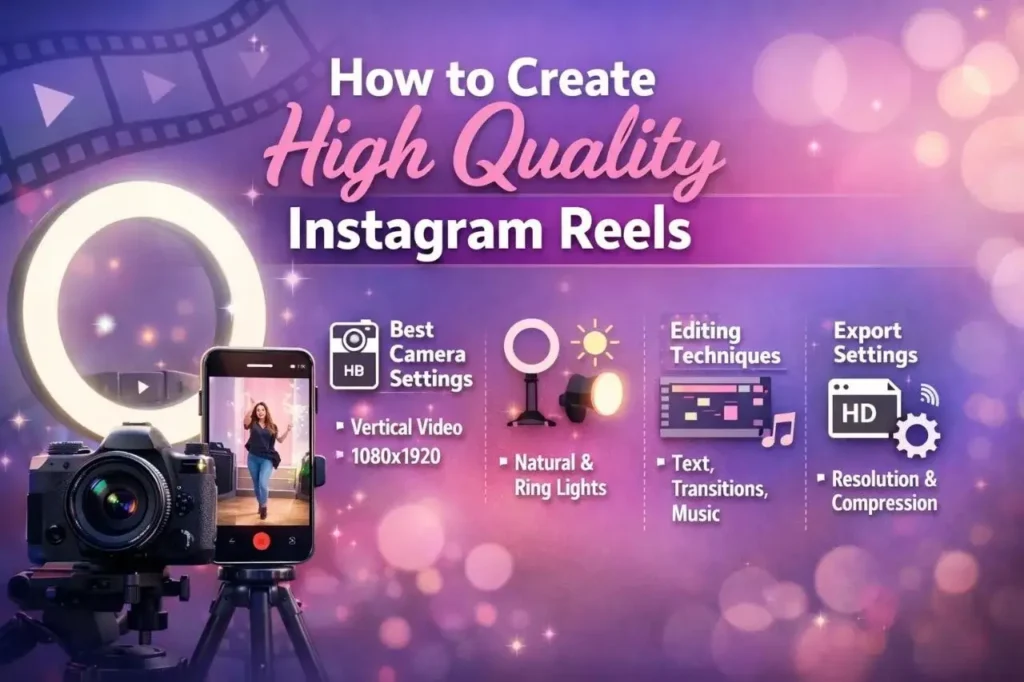
Good lighting is essential; natural light works best, though you can also use artificial lighting for greater clarity. Keep your camera steady to prevent the video from shaking.
When editing, use simple text overlays and appropriate background music to make your video more engaging and visually appealing. Always keep your content concise, clear, and entertaining. Finally, export the video in high quality before uploading it.
With practice and consistent effort, your Reels will look more professional and attract a wider audience.
Importance of Video Quality:-
High video quality is essential, as it makes your content more engaging to watch. Clear visuals and good lighting help capture people’s attention and keep your audience engaged for longer periods. This also makes your videos appear more professional. When your content looks good, it leaves a strong and positive impression of your brand.
Viewer retention-
High video quality helps keep people engaged with your content for longer periods.
When a video is clear and unique, viewers enjoy watching it. Poor Video quality, such as blurry visuals or poor lighting, can quickly distract viewers. High-quality videos capture the audience’s attention and boost engagement.
Professional appearance-
Clean and well-produced videos make you appear more professional. Whenever the quality is high, even simple content looks superior. This demonstrates the seriousness with which you approach your work, making your videos stand out as unique.
Brand image-
Video quality reflects your brand. Clear and consistent visuals help establish a strong and positive brand image. This makes your content more unique and engaging.
Best Camera Settings:-
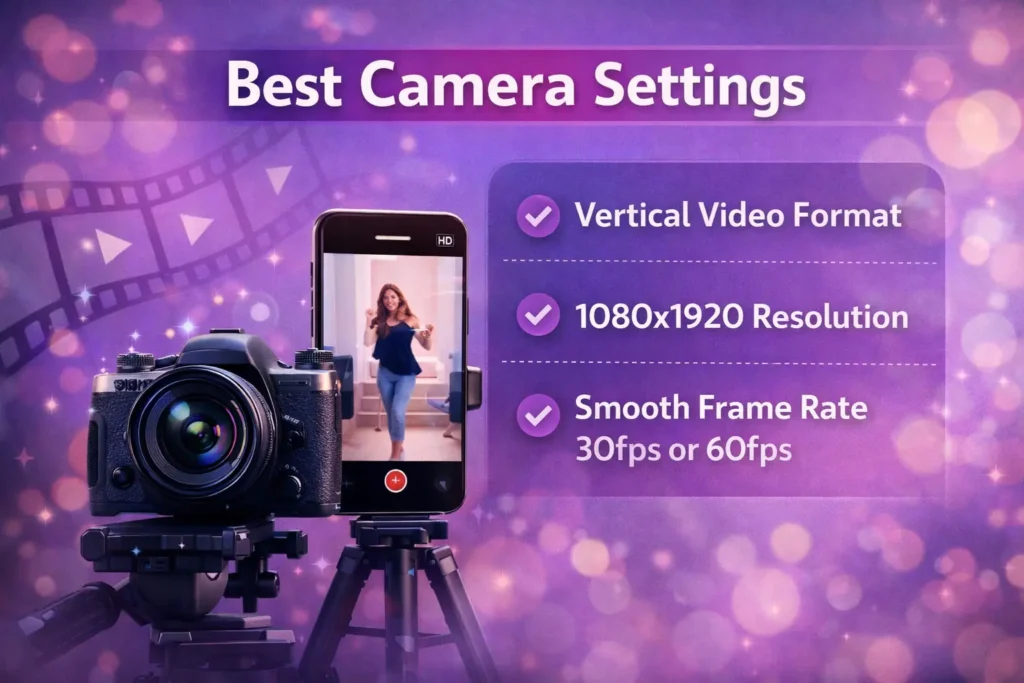
Using the best camera settings can significantly improve your video quality.
Always shoot in a vertical format so that it fits perfectly on a mobile screen. For clear and sharp visuals, use a resolution of 1080×1920. Additionally, always select a frame rate such as 30fps or 60fps to ensure your video looks natural and visually appealing.
Vertical video format-
Always shoot your videos in a vertical format, as Instagram Reels are designed for full-screen viewing on a phone. Holding your phone upright ensures that your content fits perfectly and appears more engaging to viewers.
1080×1920 resolution-
For best results, record your videos in Full HD resolution (1080×1920). This ensures that your video remains clear and sharp even after uploading.
Avoid recording in very low resolutions, as Instagram compresses videos during the upload process. Starting with high quality ensures that the video’s clarity remains perfect even after compression.
Smooth frame rate-
The frame rate determines how smooth your video will appear. For most Reels, a frame rate of 30fps works quite well. If you are filming fast-paced movement or action, you can use 60fps for a smoother effect.
Avoid using a very low frame rate, as this will result in a video that does not look smooth.
Lighting Setup:-
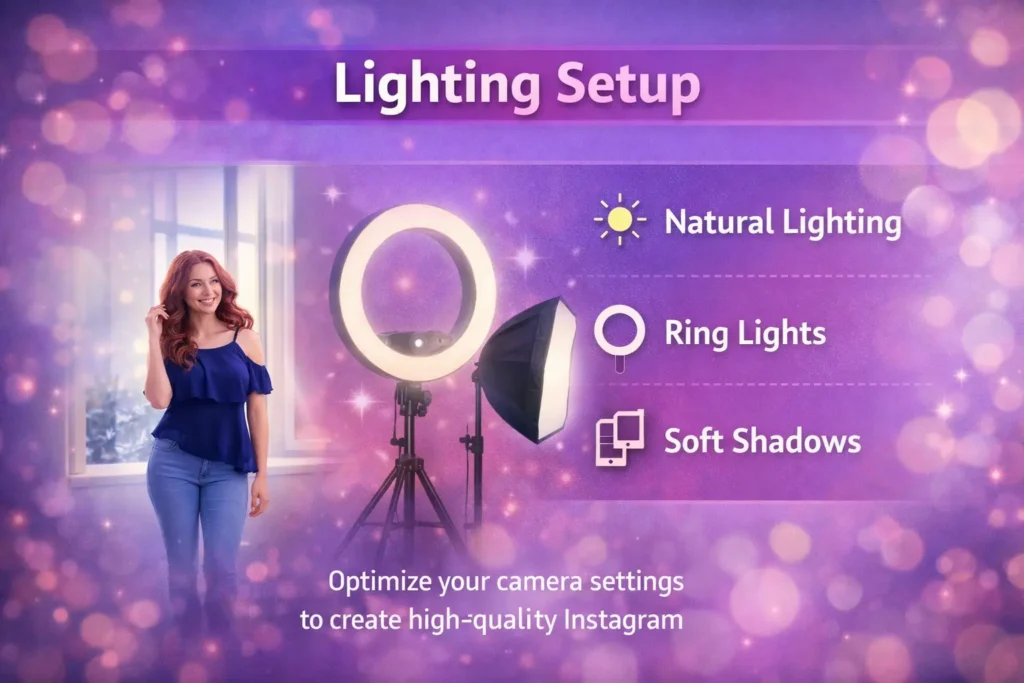
Good lighting is essential for high-quality videos. Natural light from a window is ideal, as it adds brightness and a natural look to the video.
For indoor settings or areas with low light, use artificial lighting to illuminate your face. To avoid harsh shadows, use ‘soft’ or ‘diffused’ lighting; this makes your video look more professional and visually appealing.
Natural lighting-
Natural light is one of the best options for shooting videos. Try to record near a window or outdoors during the daytime. This gives your video a bright, clear, and natural look without the need for any extra equipment.
Ring lights-
Ring lights are excellent for indoor shooting or low-light conditions. They illuminate your face and minimize harsh shadows, making your video look clearer and more professional.
Soft shadows-
Soft shadows make your videos look smooth and professional. Avoid harsh, direct lighting, as it creates deep, dark shadows on the face. Instead, use diffused light or light that bounces off a wall. This creates a balanced and natural look, making your video more visually appealing to viewers.
Editing Techniques:-
Editing makes your videos look better and more engaging to watch.
Add text to your videos to help viewers understand your message, use smooth transitions to move from one scene to another, and also use background music to make the content more interesting.
Effective editing gives your video a professional look and keeps viewers watching until the very end.
Adding text overlays-
Text overlays make your videos easier to understand, especially for viewers who watch videos without sound. Use clear, bright fonts, and place the text in a position that does not cover your video footage.
Transitions-
Smooth transitions make your videos look more professional and engaging. Avoid overusing flashy transitions, as they can distract from your main content. Plan your shots in advance to ensure your transitions flow seamlessly.
Background music-
Background music can make your video more engaging and entertaining. Choose music that matches the mood of your content, whether it is romantic, calm, or energetic.
Ensure that your voice and the background music are properly balanced. Well-balanced music keeps the audience engaged and gives your video a professional touch.
Export Settings:-
To ensure your videos look perfect on Instagram, it is crucial to export them correctly. Always use the appropriate Instagram resolution, ideally 1080×1920, so that your video fits the screen perfectly and displays properly.
Pay close attention to file compression as well; excessive compression can cause your video to appear blurry, so maintain the right balance between quality and file size.
Finally, review your video before uploading it to ensure everything is in order. Verify that the colors, text, and all other elements look perfect, and avoid repeatedly transferring your video across multiple apps or devices, as this can degrade its quality.
The right export settings ensure that your Reel looks professional, stunning, and engaging for your audience, making your content truly stand out.